UI prototyping for Mobile Application
Figma Link to app- https://www.figma.com/file/jVEuCckmpVO55R4UAqffv1/Swift-App?type=design&node-id=0%3A1&mode=design&t=0uj7LANT1tKEfPQ5-1
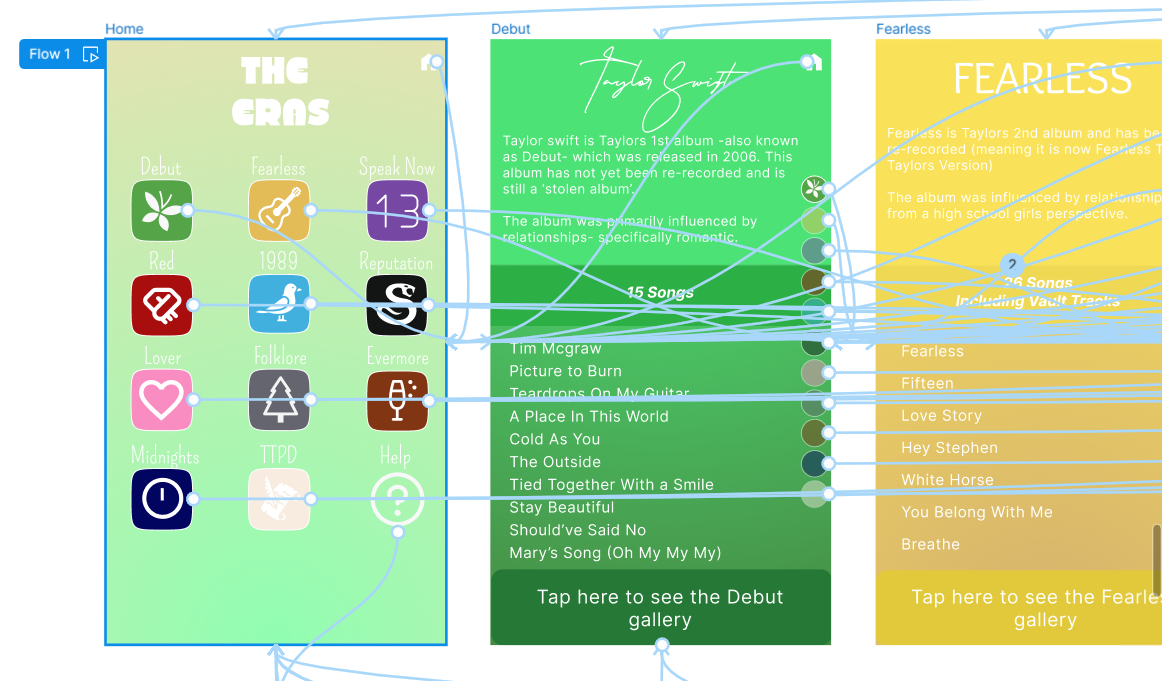
To create the app, the best application to use was Figma. Figma allows you to generate ideas with the ”FigJam” button and then create your product on a different page.
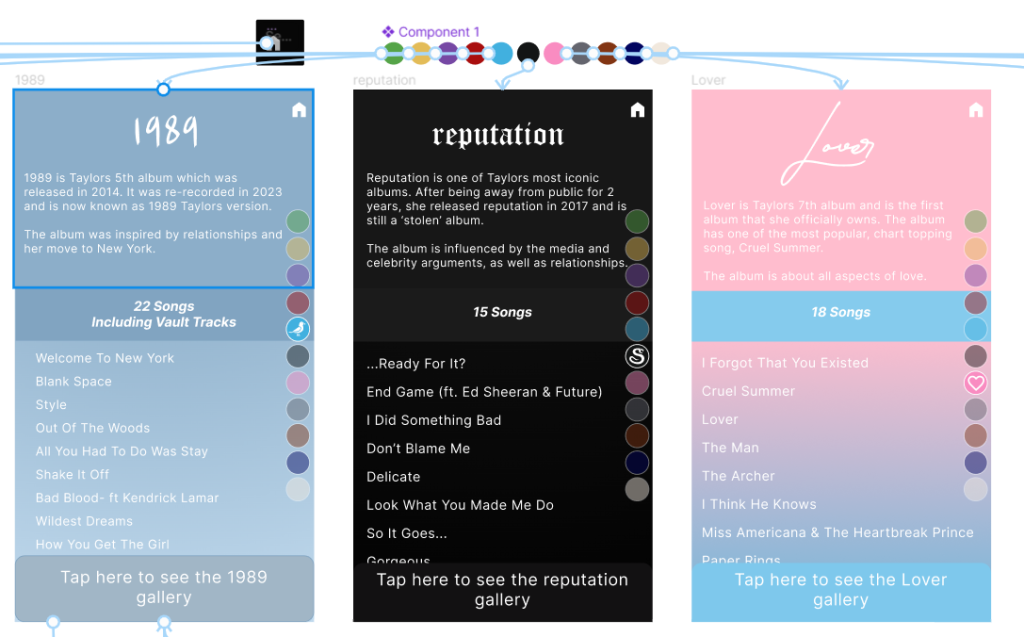
A key feature in the app, is the navigation panel on the side of the screen, this allows users to jump between eras without having to go back to the homepage, without using a component it would mean connecting each dot to each era one by one, and with 12 different pages it would take a while to complete. Using a component meant that pages could be linked together automatically and is more time effective.
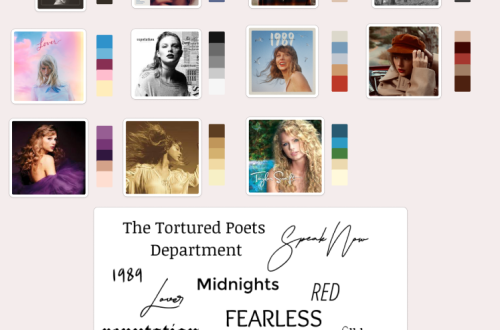
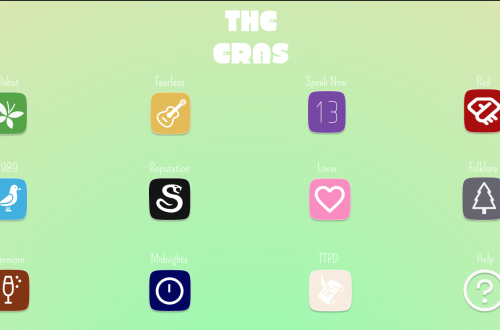
As each era had their own colour palette, there was no specific colour scheme to follow for the home page. To ensure that the homepage still had colour variations, the primary colour from Taylor’s first album and most recent album were put together to create a gradient, the colours were then slightly brightened and flipped around- so the first album colours is at the bottom and newest album colours is on top- so all eras icons could be seen.
Icons were added to each era on the homepage as well as the circle navigation to help users understand where each icon comes from- i.e the 13 from the ‘Speak Now’ era started as Taylor felt it was her lucky number (Taylor Swift Wiki, n.d).
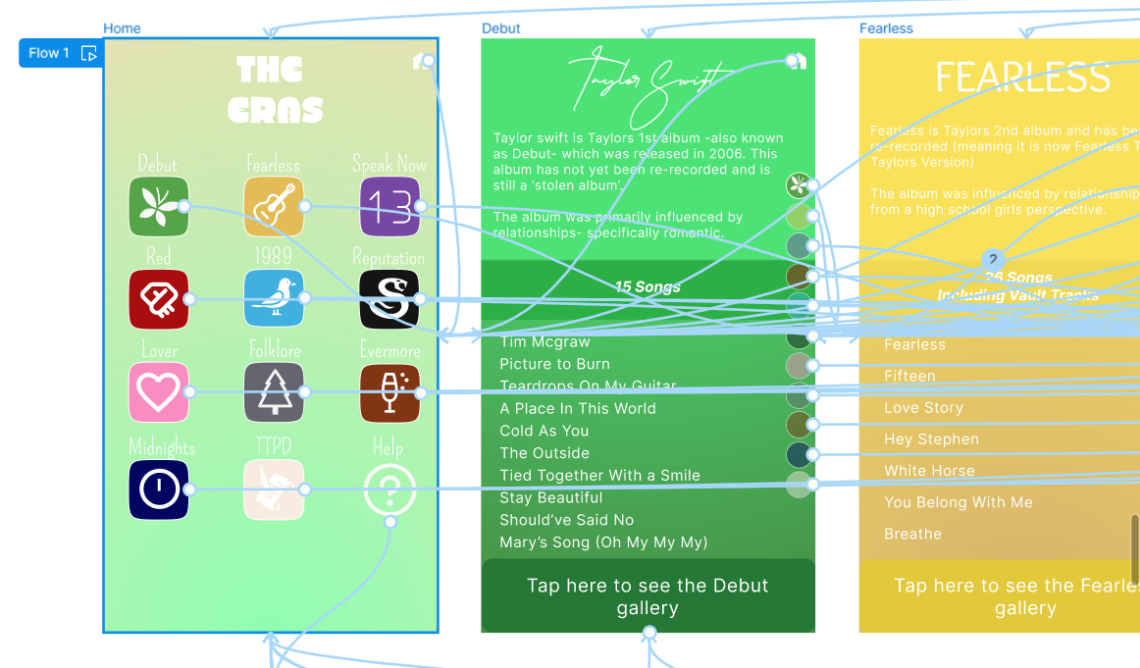
The logo for the app is in a font called ‘Bold Grove’, this font was chosen as each era had its own font and it was a style that has not appeared in any of the albums. The font is also easy to read as each letters are distinctive and is eyecatching.
Image references
1989:
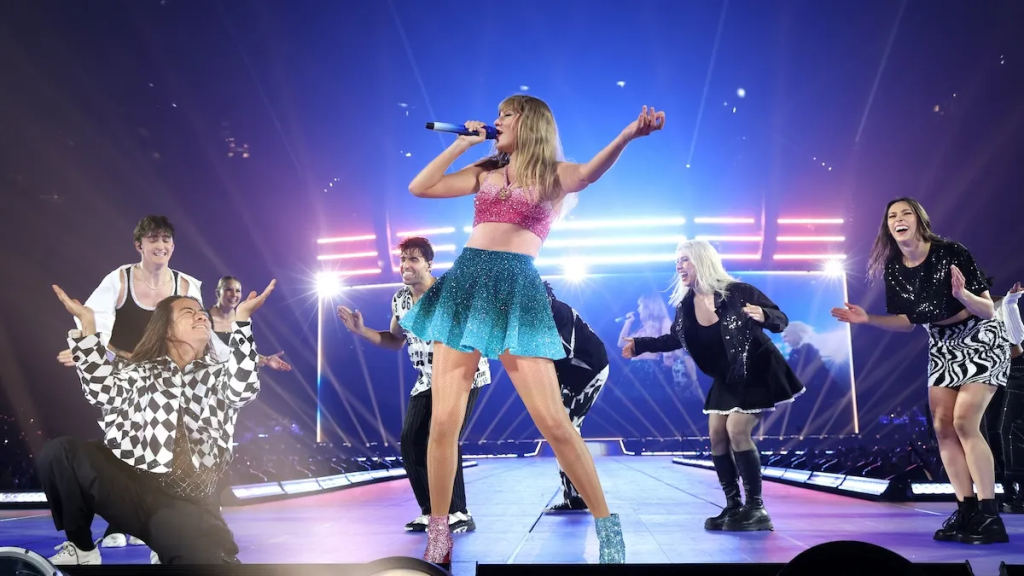
Leishman, R. (2024). Taylor Swift Brought Out a New Look for the ’1989’ Section of ‘The Eras Tour’. [online] The Mary Sue. Available at: https://www.themarysue.com/taylor-swifts-new-1989-eras-tour-outfit-explained/ [Accessed 13 May 2024].[accessed 12/05/2024]
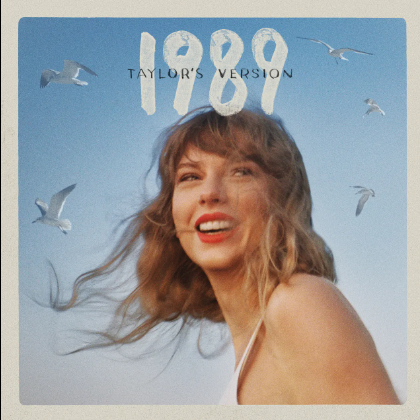
Nast, C. (n.d.). Taylor Swift: 1989 (Taylor’s Version). [online] Pitchfork. Available at: https://pitchfork.com/reviews/albums/taylor-swift-1989-taylors-version/.[accessed 12/05/2024]
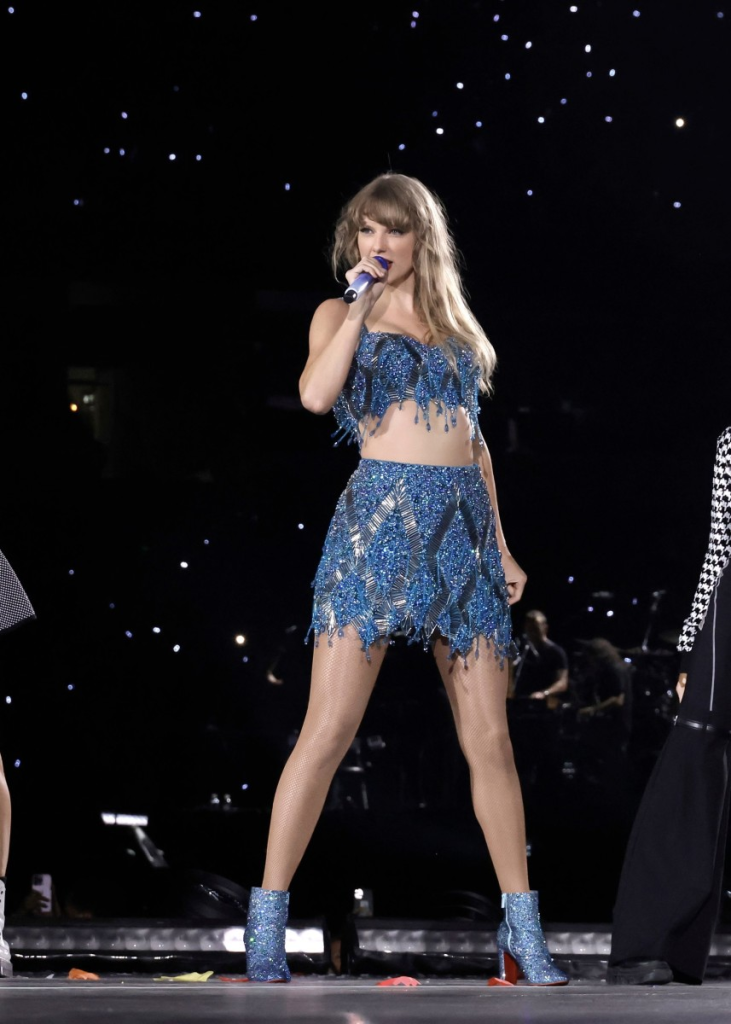
Frischer, B. (2023). Taylor Swift Hinted at ’1989 (Taylor’s Version)’ With Five New Outfits on the ‘Eras’ Tour. [online] Fashionista. Available at: https://fashionista.com/2023/08/taylor-swift-1989-taylors-version-announcement-outfits.[accessed 12/05/2024]
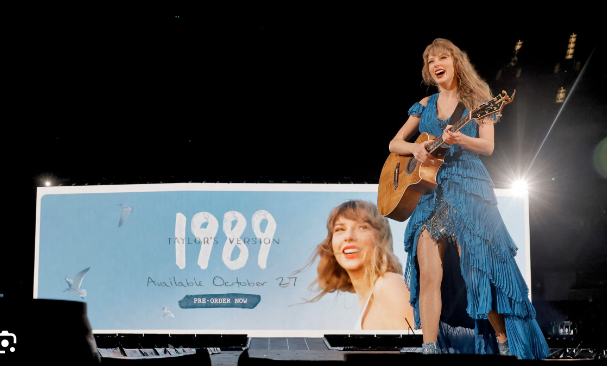
Nast, C. (2023). Karlie Kloss Was Accidentally the Best 1989 TV Easter Egg Yet. [online] Teen Vogue. Available at: https://www.teenvogue.com/story/taylor-swift-announces-1989-taylors-version.[accessed 12/05/2024]
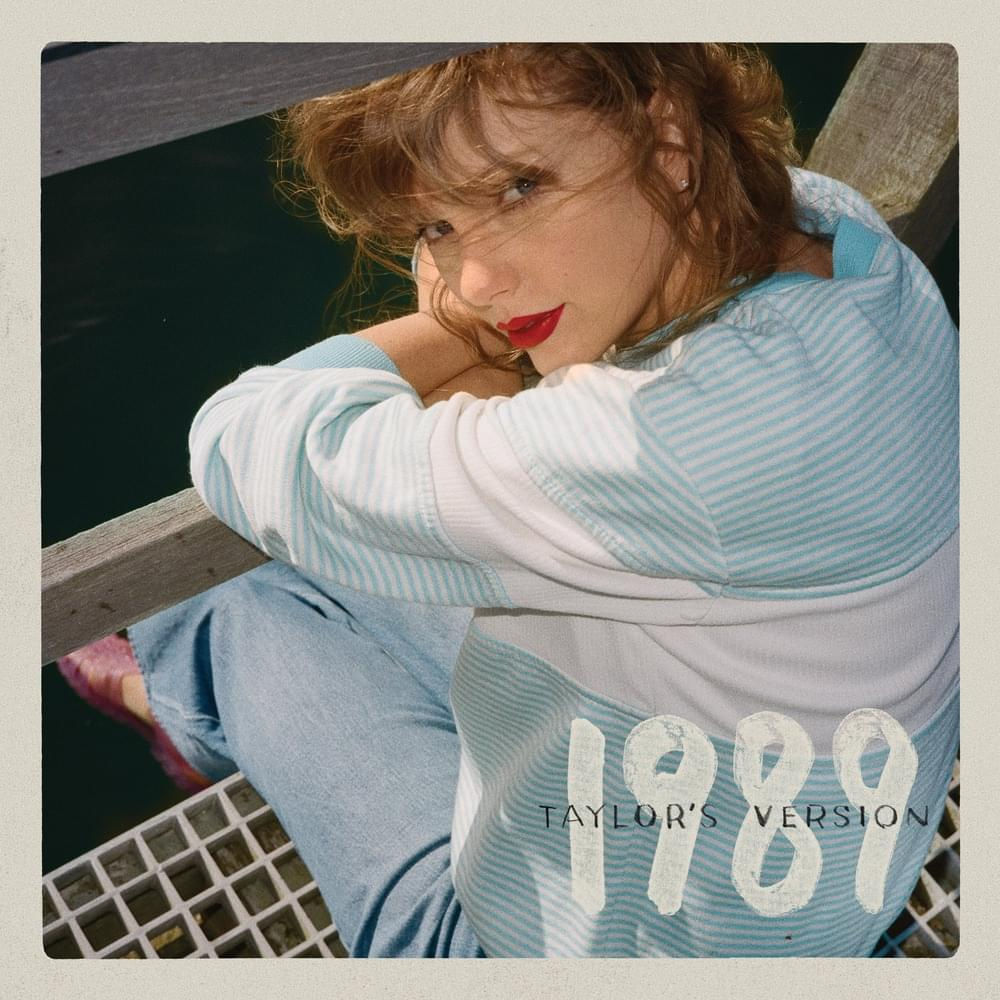
Genius. (n.d.). 1989 (Taylor’s Version) by Taylor Swift. [online] Available at: https://genius.com/albums/Taylor-swift/1989-taylors-version. [accessed 12/05/2024]
Image references on app
Debut:
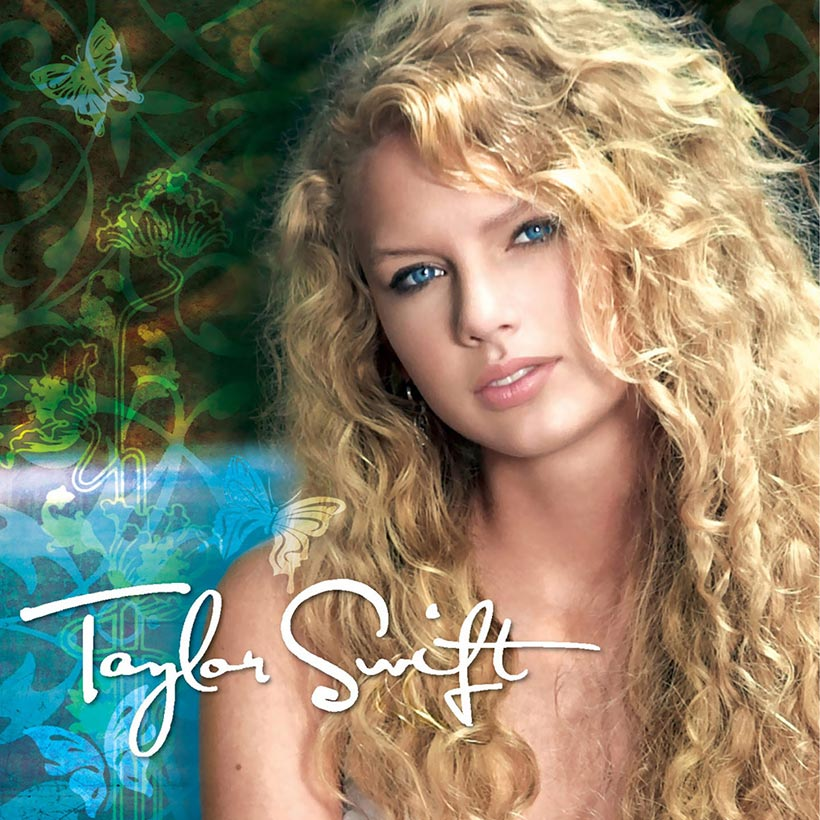
Chilton, M. (2021). How Taylor Swift’s Debut Album Set Her Apart From The Rest | uDiscover. [online] uDiscover Music. Available at: https://www.udiscovermusic.com/stories/taylor-swift-debut-album/.[Accessed 13 May 2024]
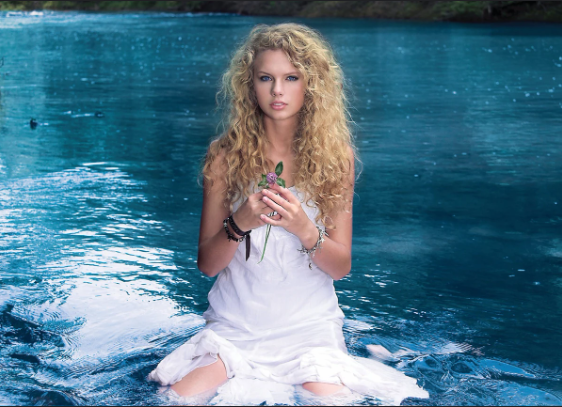
Taylor Swift Wiki. (n.d.). Taylor Swift (album) photoshoot. [online] Available at: https://taylorswift.fandom.com/wiki/Taylor_Swift_(album)_photoshoot [Accessed 13 May 2024].
Hight, J. (2017). On Her Self-Titled Debut, Taylor Swift Captured the Drama of Teenage Heartbreak. [online] Vulture. Available at: https://www.vulture.com/2017/11/revisiting-taylor-swifts-debut-album.html.[Accessed 13 May 2024]

www.instagram.com. (n.d.). Instagram. [online] Available at: https://www.instagram.com/famousbirthdays/p/CxBJ-7WyqSj/ [Accessed 13 May 2024].
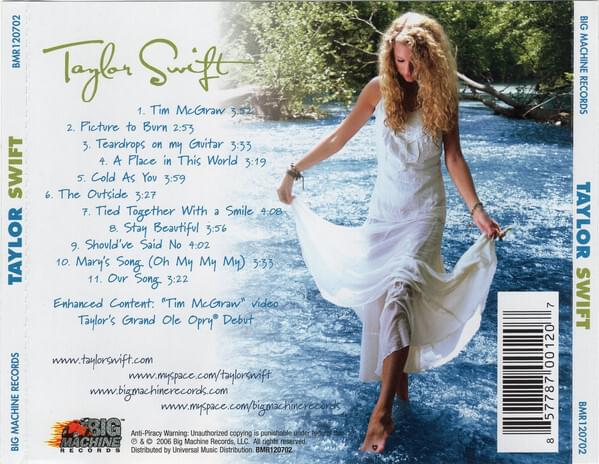
Genius. (n.d.). Taylor Swift by Taylor Swift. [online] Available at: https://genius.com/albums/Taylor-swift/Taylor-swift.[Accessed 13 May 2024]


You May Also Like
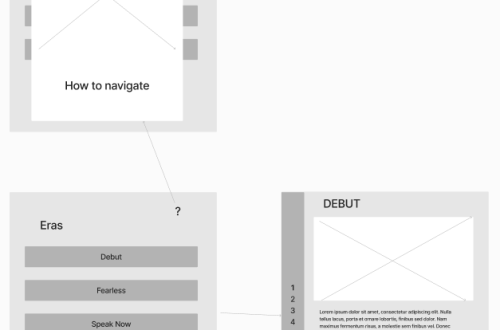
User flow – UI wireframing
Adapting Your Design for Web Deployment